Sixfab Pico LTE Message Printer
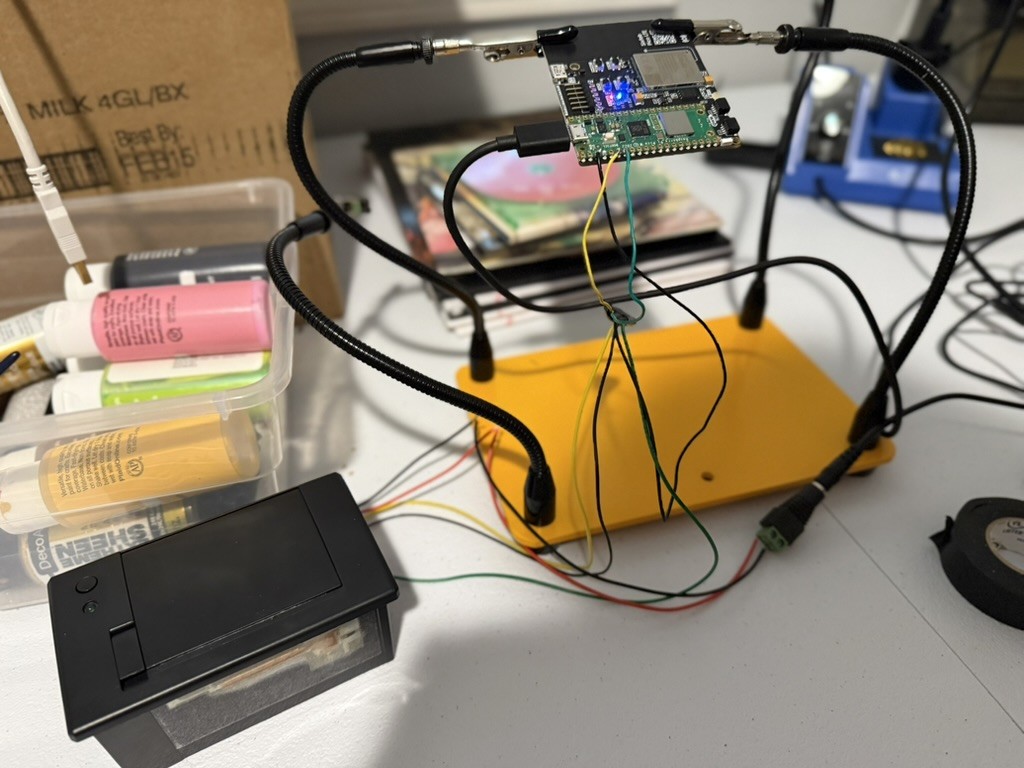
Overview
This was an embedded programming project that allowed sending messages to a thermal printer anywhere that it had a cellular connection. I think in this case the device used either a T-Mobile or AT&T network, but I’m not sure at this point.
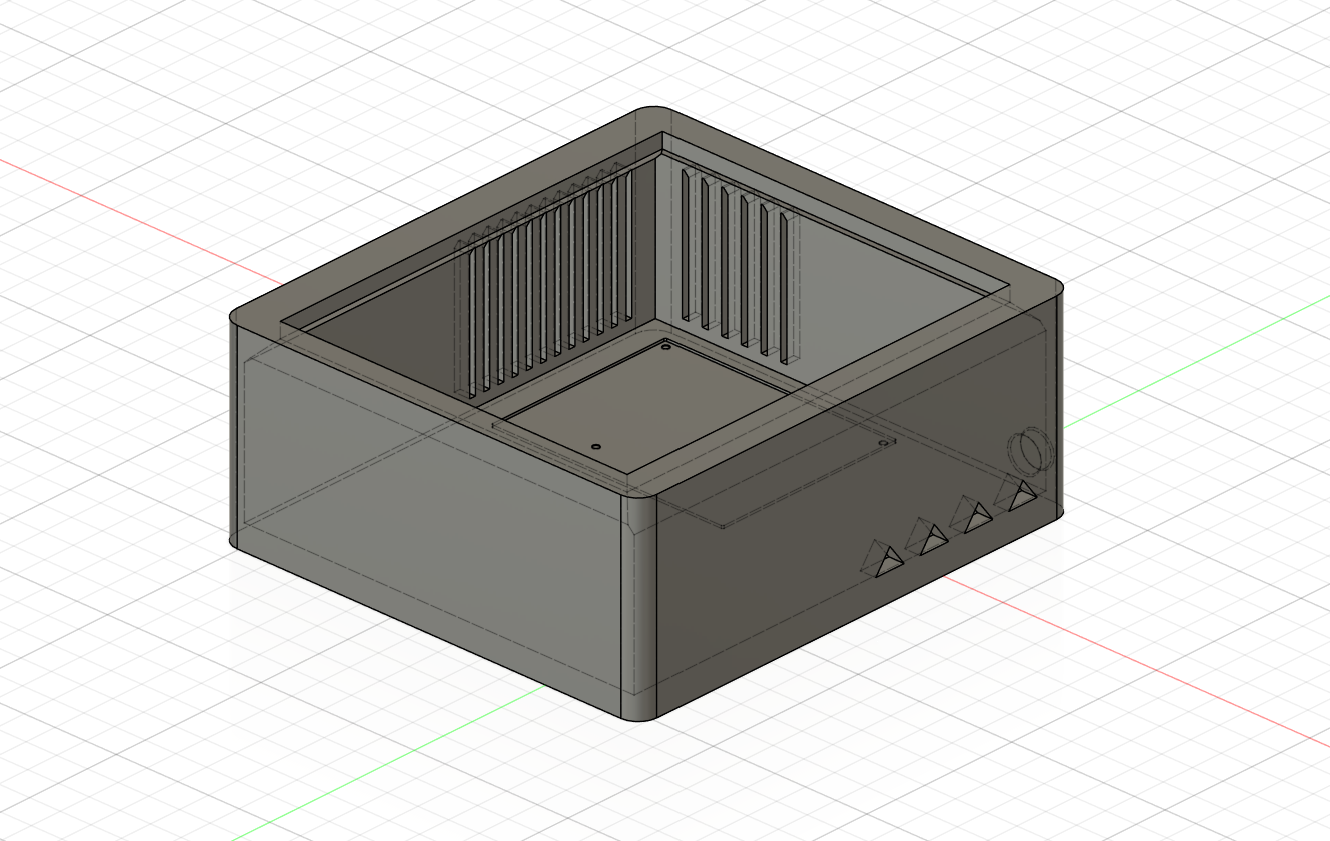
Sources
The source code for this project is available here!
Code Samples
Connecting to the cellular network wasn’t too bad, but it was also inconsistent at times.
# Get LTE system ready
print("run_initial_setup: Registering LTE network... ****")
picoLTE.network.register_network()
picoLTE.http.set_context_id()
picoLTE.network.get_pdp_ready()
picoLTE.http.set_server_url()
Actually getting a simple web request out and reading the response was a bit more involved, and was even less consistent than connecting to the network.
while True:
	USER_LED.on()
	# Reset the HTTP context before making a new request
	picoLTE.http.set_context_id()
	picoLTE.network.get_pdp_ready()
	picoLTE.http.set_server_url()
	print("main_loop: Sending web request... ****")
	result = picoLTE.http.get()
	time.sleep(readDelay)

	# After the delay, read response. This gives the Sixfab LTE time to process the request
	result = picoLTE.http.read_response()
	debug.info(result)
	...
Actually printing the parsed web response was the easiest and most consistent part. I was pretty pleased at how well the printer worked when it was all set up.
from machine import UART, Pin
import time

USER_LED = Pin(22, mode=Pin.OUT)

def printMessage(message):
    print("\n****************************")
    print("**** PRINT JOB STARTING ****")
    print("****************************")
    USER_LED.on()
    uart = UART(1)
    uart.init(baudrate=19200, tx=Pin(4), rx=Pin(5))
    uart.write("\n")
    uart.write("\n")
    uart.write("\n")
    uart.write("\n")
    uart.write((str(message)).encode('cp437', 'ignore'))
    uart.write("\n")
    uart.write("\n")
    uart.write("\n")
    uart.write("\n")
    uart.write("\n")
    uart.write("\n")
    uart.write("\n")
    uart.write("\n")
    uart.write("\n")
    time.sleep(2);
    USER_LED.off()
    print("\n****************************")
    print("**** PRINT JOB COMPLETED ***")
    print("****************************")

#printMessage("Hello there!")
#printMessage("General Kenobi!")