Z-Manager
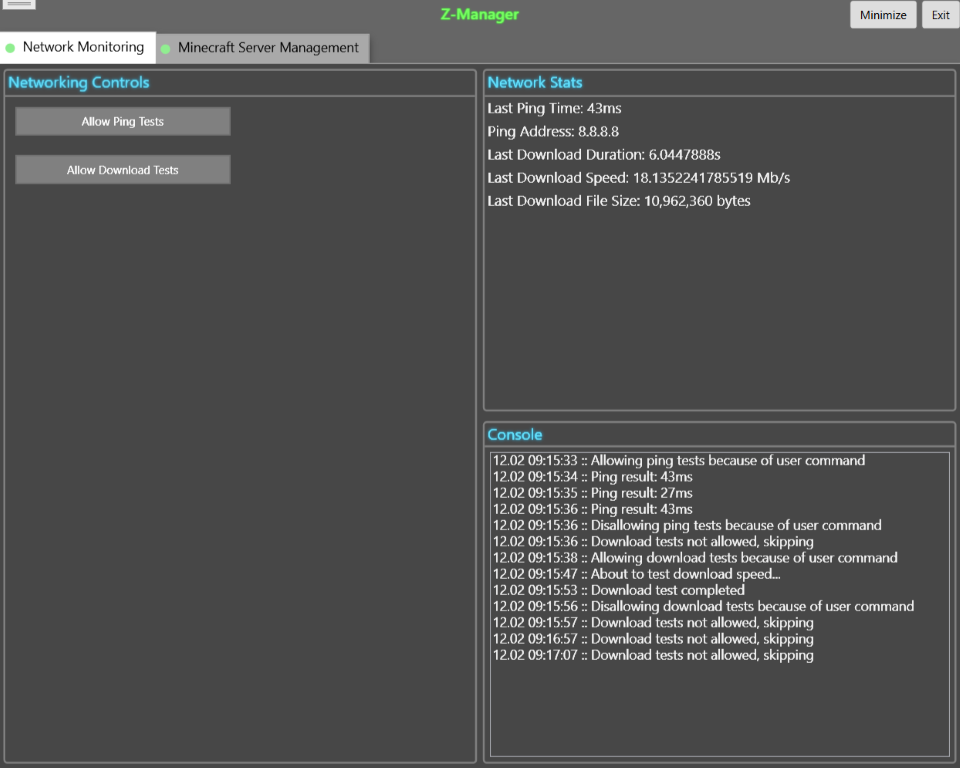
Overview
This is a simple app I wrote years ago to monitor a Minecraft server and the status of the network. If I recall correctly, I was having some sort of intermittent issue with the Internet where the connection would randomly drop out for a few moments, and this was intended to help diagnose it. The Minecraft server automation was an extra feature added on, as Z-Manager was intended to always be running in the background of Windows.
Ideally, I would have added lots of useful functions to it so I would have a Swiss army knife app that I could iterate on over time and make more useful, but it wasn’t really necessary beyond being a fun little side project.
I think the issue with the Internet ended up being a faulty cable connection between the coaxial wall jack and the modem. Being in an apartment at the time, it wasn’t a big deal to get it fixed — who knows how long it had been like that before!
Sources
Code Samples
This app is written in C# and uses WPF for the visual framework.
// Parsing logic for the messages that would come
// back from the Minecraft server
var serverData = Encoding.Unicode.GetString(rawServerData)
	.Split("\u0000\u0000\u0000".ToCharArray());
if (serverData != null && serverData.Length >= _numFields)
{
	dto.ServerUp = true;
	dto.Version = serverData[2];
	dto.Motd = serverData[3];
	dto.CurrentPlayers = serverData[4];
	dto.MaximumPlayers = serverData[5];

	MinecraftServerManagerMessage?.Invoke(
		"Got valid server status data");
}
else
{
	MinecraftServerManagerMessage?.Invoke(
		"Server status data was not populated as expected");
	dto.ServerUp = false;
}